On-Screen Measurement for UI/UX Designers
Audit pixel precision, padding, and alignment across any Windows application.
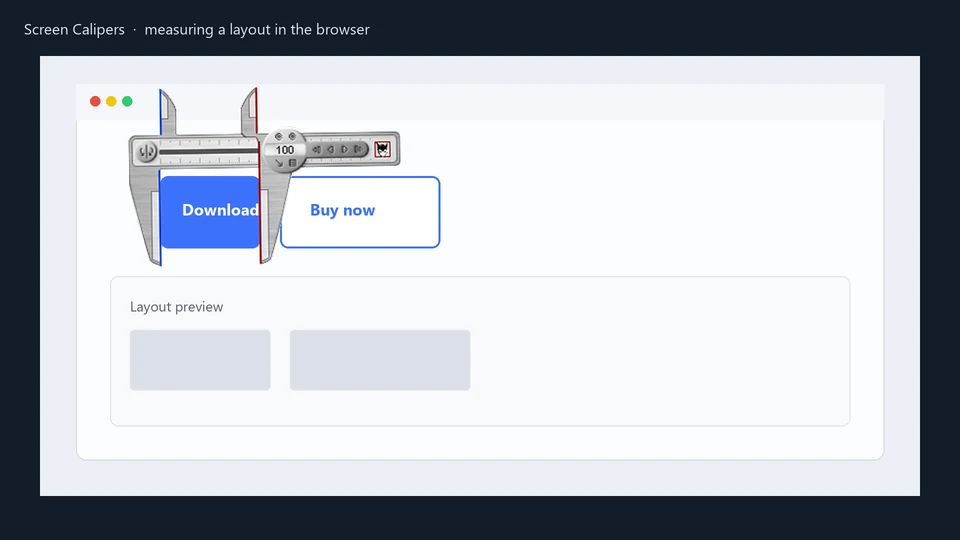
Precision beyond the browser
While Figma and browser DevTools are the backbone of modern design, they often leave a gap when it comes to auditing the final user experience on Windows. Screen Calipers and ColorPic provide the "eye-level" tools you need to ensure your vision translates perfectly to the screen.
Use Cases
- Audit Spacing: Verify that padding and margins in the final build match your design system.
- Check Alignment: Ensure that elements are perfectly centered or aligned across different application windows.
- Sample Colors: Use ColorPic to sample any pixel on the screen and verify hex codes or accessibility contrast.
- Measure Inter-App: Check if your desktop app's components align with your web portal's design language.
Essential Tools for Designers
Screen Calipers
The rotatable pixel ruler that floats above everything. Perfect for auditing padding and alignment.
View Calipers →ColorPic
The professional hex color picker with 20x magnifier. Audit contrast and build palettes.
View ColorPic →Try Screen Calipers
Download the free trial for Windows 10 and 11, or buy a license.
