WCAG 2.2 Color Accessibility: How to Sample and Audit On-Screen Color Contrast

Chief Executive Officer
Accessibility is not optional
With the release of WCAG 2.2, color contrast requirements have become more critical than ever. Ensuring your digital product is accessible to users with low vision, color blindness, or those viewing screens in suboptimal lighting conditions is not just a moral imperative—it's increasingly a legal requirement under frameworks like the ADA (Americans with Disabilities Act) and the European Accessibility Act.
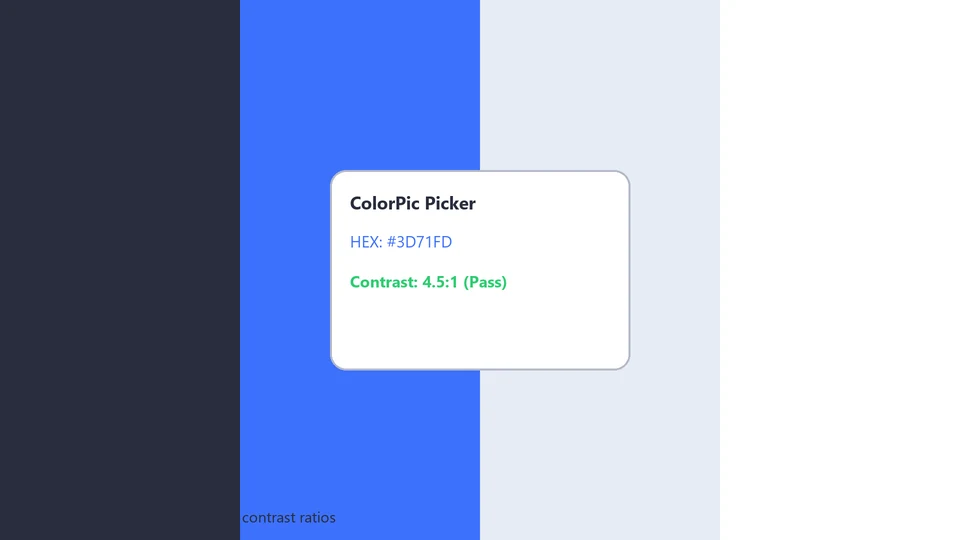
The fundamental requirement is clear: a contrast ratio of at least 4.5:1 for normal text and 3:1 for large text. However, real-world auditing is rarely simple. How do you accurately measure contrast when your text is over a complex gradient background? How do you audit a video interface where colors shift frame by frame? Or a legacy Windows desktop application where the code is a "black box" that browser-based plugins can't reach?
Traditional browser extensions only work for web content. To truly audit a full user journey across multiple applications on Windows, you need a system-level tool that samples raw pixels directly from the screen buffer.
Sampling colors with ColorPic
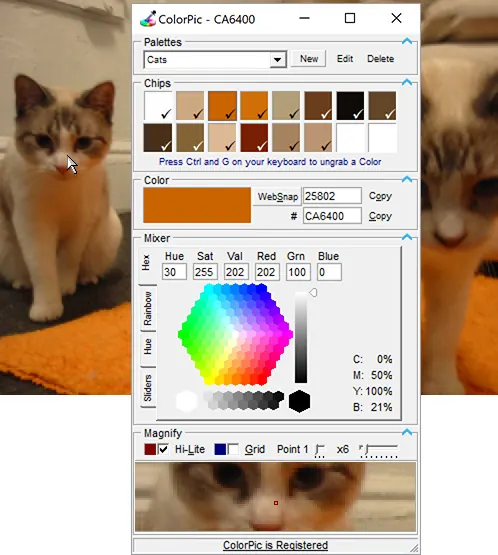
ColorPic is our dedicated hex color picker for Windows. It includes a built-in magnifier that is essential for accessibility audits.
- High-Precision Magnification: When sampling a small text element or a 1px border, anti-aliasing can blend the foreground and background colors at the edges, leading to false contrast readings. Use ColorPic's built-in magnifier to zoom in and grab the core foreground color, ensuring your audit is based on clinical accuracy.
- Dynamic Palette Comparison: Grab the background and foreground colors into two adjacent ColorPic slots. You can then copy these HEX values into any WCAG contrast calculator (or use our forthcoming online tool) to verify your ratio. ColorPic stores up to 16 colors in a palette, allowing you to audit an entire component library in one go.
- Audit Any Software: ColorPic is agnostic to the underlying technology. Whether you're auditing a native C++ application, a Java-based enterprise tool, a PDF document in Bluebeam, or a shared screen during a Zoom call, ColorPic sees what the user sees.
- Secondary Color Contrast: WCAG 2.2 adds focus on "Non-Text Contrast" (Success Criterion 1.4.11). Use ColorPic to verify that UI components like buttons, input borders, and focus states have sufficient contrast against adjacent colors, not just the background.
The "Snap" Workflow
For rapid auditing, use ColorPic's keyboard shortcuts to "snap" colors as you move your mouse. You can build a palette of an entire screen's worth of UI elements in seconds, then review them all at once for compliance.
Ensure your designs are accessible to everyone.
Download ColorPic on the ColorPic page .
