Screen Calipers for Pupil Distance From a Photo

Chief Executive Officer
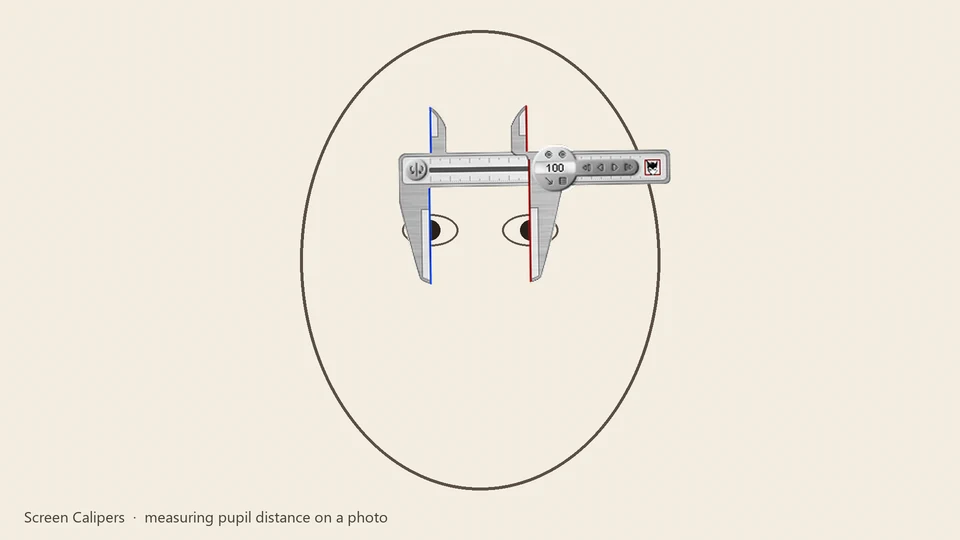
Iconico Files: when a photo tells the story better than memory
Pupillary distance and facial symmetry are clinical measurements. Sometimes the gap between what a patient remembers and what an optometrist measures is real. One customer used a portrait photo and Screen Calipers to show spacing in plain numbers.
In Manfred's case, he needed a way to translate his physical reality into a digital measurement that could be shared and discussed. After a ski jumping accident, his facial structure had changed slightly, and traditional measurements weren't capturing the nuance of his pupil placement relative to his nose bridge.
"I had a problem convincing my optometrist about the distance between the center of my nose to each respective pupil. I broke my nose ski jumping some years back. I took a picture of my face, scanned it into the computer, used the caliper to show exact measurement (in units) of my pupil v. nose spacing ... to finally convince my doctor to take accurate measurements."
Manfred, Screen Calipers customer
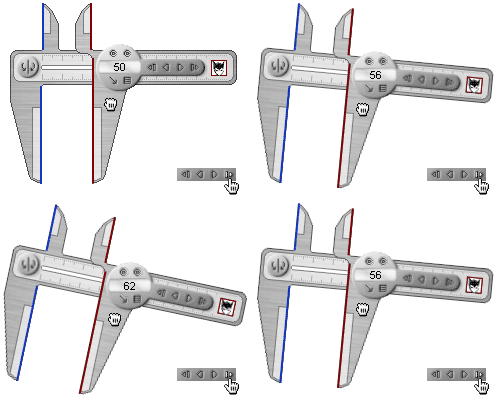
This is not medical advice and Calipers are not a clinical device. It is a customer story about communicating measurements on screen when words alone did not land. The ability to calibrate the tool to a known distance in the photo makes it a powerful communication aid.
The precision of custom calibration
Manfred's breakthrough came from the Caliper's calibration feature. By including a reference object of a known size in the photo—like a ruler or a standard credit card—he could set the Calipers to read in millimeters or inches rather than just pixels.
Here is how you can achieve similar results:
- Capture: Take a high-resolution, straight-on photo. Avoid tilt or perspective distortion.
- Calibrate: Find a known distance in the image. Stretch the Calipers across it, open 'Calibrate Units', and enter the real length.
- Measure: Now every measurement you take on that specific photo will be accurate to your custom unit.
- Document: Take screenshots of your measurements to share with professionals or keep for your records.
Whether it's for medical communication, forensics, or even just checking the size of a package in a photo, the persistent overlay of Screen Calipers provides a level of interaction that static image viewers lack.
Same tool, other photo measurements
Forensics labs, insurance adjusters, and hobbyists use the same overlay pattern: measure on a scan without importing it into a CAD package. If you need angles as well as distances, pair Calipers with Screen Protractor from the measurement pack.
Try Screen Calipers
Download the free trial for Windows 10 and 11, or buy a license.
