Screen Calipers for Sign Vinyl Layout

Chief Executive Officer
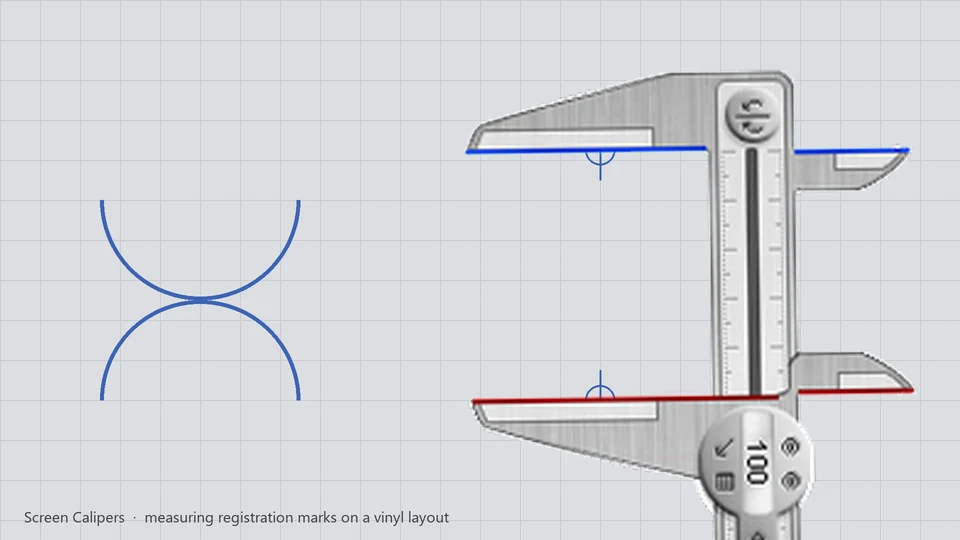
Iconico Files: when the layout program has no rulers
David Baxter runs sign vinyl on a cutting layout program that, for some reason, ships without rulers. That is more common than you would think. Specialty Computer-Aided Manufacturing (CAM) and nesting tools focus on paths, tool offsets, and kerf, not on-screen measurement.
In the sign-making industry, precision is the absolute difference between a perfect install and a wasted, expensive roll of high-performance vinyl. When you're trying to center text on a 10-foot banner, ensure that two registration marks are perfectly aligned across a complex nested layout, or check the vertical clearance for a vehicle wrap, you can't rely on the "snap-to" features of a program that doesn't understand the physical dimensions of your output bed.
The challenge is further compounded when working with "flat" rasterized proofs or exported PDFs where all the layout metadata has been stripped away. In these cases, you are essentially flying blind without a measurement tool.
"I am using a weird vinyl cutting layout program for sign making that for some reason does not offer rulers. Your calipers compensate nicely. The inches x 4 is because I usually work with the layouts on a 25% zoom level."
David Baxter, Screen Calipers customer
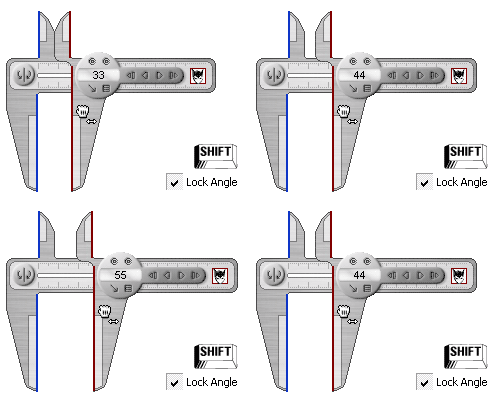
David's workaround is exactly what Screen Calipers were built for: a transparent overlay that sits on top of whatever window is active, so you can measure as if the software had rulers all along.
Working zoomed out at 25%
Sign shops often zoom out to see the full panel while placing text and cut lines across a large workspace. At 25% zoom, one inch on screen is not one inch in the file. David calibrates the Calipers so the readout matches his real units at that specific zoom level.
This calibration feature is what makes Screen Calipers a professional tool rather than a toy. By measuring a known reference in the software—perhaps the width of the vinyl roll, a standard 12-inch font height, or a pre-defined registration mark—you can set the Calipers to report in the exact units you'll be using at the cutting table.
This workflow eliminates the "mental gymnastics" of multiplying by 4 or 0.25 every time you need to check a gap. Once calibrated, you just measure and trust the number on the tool.
- Initial Setup: Open the vinyl layout at your usual zoom (often 25% for a full-bed view).
- Caliper Calibration: Launch Screen Calipers. Measure a span you know in the real world (a standard panel width, a gap between letters, a margin spec from the client).
- Set Units: Use Calibrate Units if needed so the readout matches shop measurements at that zoom. In David's case, he uses an "inches x 4" factor.
- Execute Layout: Drag the jaws along cut paths, letter spacing, or registration marks. Rotate when the artwork is on an angle to ensure the diagonal spans are correct.
Why not just use a browser ruler or PowerToys?
Browser rulers and PowerToys Screen Ruler report pixels on a flat axis. Vinyl layout work is rarely that simple. Text runs at angles. Panels are rotated on the bed. You need a tool that rotates with the art and reads in inches or millimeters after calibration, not just raw pixels.
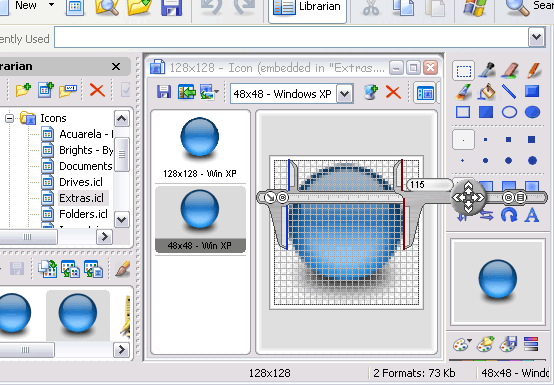
Screen Calipers also stay visible while you click back into the layout app. You can tuck them to the edge of the monitor, recall them, and nudge one pixel at a time with the arrow keys when a gap is close but not quite right.
Same tool, other print trades
We hear similar stories from wide-format print, vehicle wrap layout, and engraving shops: the production software measures paths, not distances you can trust by eye. If your tool lacks rulers, Screen Calipers are the overlay we have shipped since the early 2000s for exactly this gap.
Read more customer stories on the Screen Calipers page .
Try Screen Calipers
Download the free trial for Windows 10 and 11, or buy a license.
