When a Free Online Protractor Is Enough

Chief Executive Officer
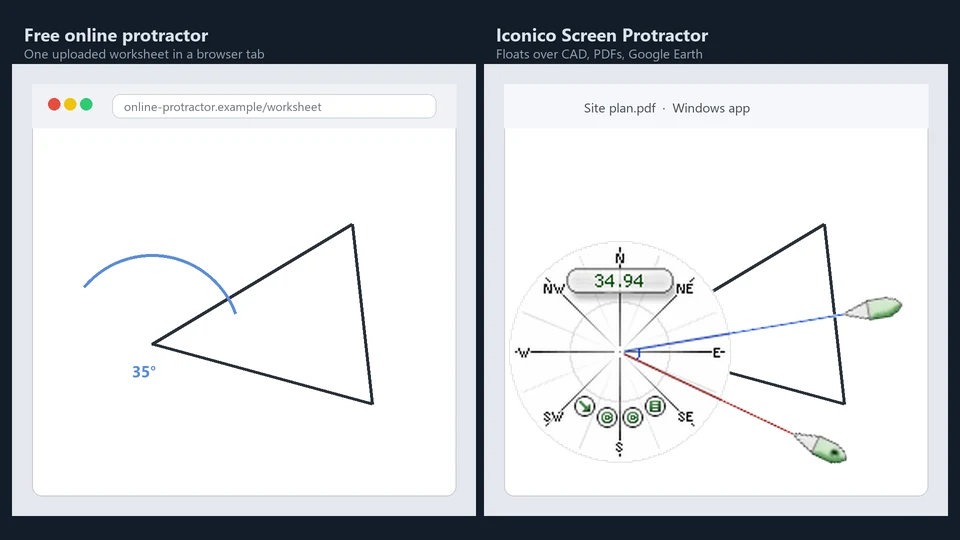
Browser tools are fine for homework
Search for "online protractor" and you will find dozens of free pages: drag a protractor over a uploaded photo, read degrees, done. For a geometry worksheet or a quick sketch, that is often the right answer. We are not going to pretend a $14.50 Windows tool beats a free tab for one homework problem.
However, once your work moves from "one-off student task" to "professional production workflow," the limitations of browser-based tools start to show. Whether it's data privacy, speed of use, or the complexity of the software underneath, there's a reason pro users prefer a native Windows 10 or 11 overlay.
When online tools run out
The transition from an online tool to a professional overlay like Screen Protractor usually happens when:
- Data Privacy: You are working on sensitive site plans, medical images, or proprietary CAD drawings. You don't want to upload those files to a random "free" server just to measure an angle.
- Interactive Workflow: You need to measure over a desktop app (Google Earth, CAD, a PDF, a microscope image), not a single uploaded JPEG. Native tools float above everything.
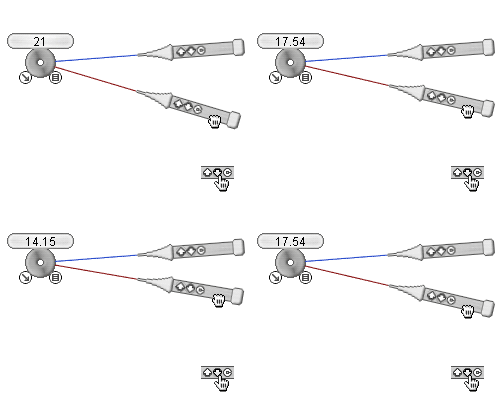
- Zoom and Pan: The angle sits on a live screen while you pan and zoom. With an overlay, the protractor stays in place as you navigate; re-uploading every frame to a browser is painful.
- Advanced Features: You want sticky angles, linked angles, keyboard nudging (one degree at a time), or custom skins for classroom projection.
- Educational Depth: You teach with our Screen Protractor lesson plans and downloadable Google Earth activities.
- Industrial Use: You measure tile cuts, site plans, or wrap layout in production software that has no protractor at all.
That is where Iconico Screen Protractor lives: a floating transparent tool on Windows 10 and 11, same family as Screen Calipers and Screen Compass.
What we optimize for
Screen Protractor is not trying to win the generic "online protractor" head term. Homework sites and phone apps own that intent. We own desktop geometry: geography lessons, construction layout, and any job where the angle is on screen in another program.
Download the free trial in the Screen Measurement Pack and float the Protractor over your actual workflow before you buy.
Try Screen Protractor
Download the free trial for Windows 10 and 11, or buy a license.
